2023 was a pretty good year for me!
I'll touch here briefly on my personal life, then go on to talk about the Quest 2 release and sales of Eye of the Temple, and finally talk about my new game project and goals for 2024.
Personal life
It's the first year since the pandemic that didn't feel affected by it. I moved from Denmark to Finland in 2020, just as the pandemic began, so on the social side it was some slow years initially.
Things picked up in 2022, but especially in 2023 we had lots of family and friends from Denmark visit us here and have a great time, and we also made more strides on the local social network front.
Particularly memorable was a wonderful weekend celebrating the 40th birthdays of me and a friend, with some of my closest family and friends from Denmark and Finland at a site called Herrankukkaro in the beautiful Finnish archipelago.
Eye of the Temple released on Quest and turned a profit
In April 2023, a year and a half after the original PC release on Steam, my VR game Eye of the Temple was finally released for Quest 2, with the help of Salmi Games. While it was super tough getting there, in the end we managed to ship the game at a level of quality I'm very proud of. Others agreed; it got a great critical reception, as well as a high user rating of 4.7 out of 5 stars.
It's super gratifying regularly seeing new reviews of the game from people who say it's the best VR experience they've had. Oh, and recently, UploadVR ranked it the 5th best game for Quest 3 and Screen Rant ranked it the 6th best game for Quest 2. Wow, what an achievement for my little game! (But remember, critical acclaim does not equal sales…)
I’m no longer working on the game at this point. After being occupied with it over a span of seven years, I really want to move on, and I'm also done with VR in general for now. But the sales of the game are still developing, so let's talk a bit about that.
My thinking about the game’s sales performance has changed a lot over time. I didn't pay myself a regular salary during the game’s three years of full time work. But when evaluating the game financially, I use the old salary from my previous job as reference, and calculate whether my time investment at that salary (I’ll refer to it as just “my investment”) would be covered retroactively by the game’s revenue. Of course, I also keep in mind that the covered percentage would be higher if I based it on a more moderate salary.
I was initially slightly disappointed in the Steam sales. As I wrote about back in November 2021, the projected year one sales would only cover 25% of my investment. Back then I expected the Steam year one revenue to make up the majority of the game's lifetime revenue. One year later, the sales had outperformed that projection, and my investment was actually covered 40%.
A lot has happened since then, in particular due to the Quest launch.
Comments from many VR developers in 2021 and 2022 had indicated that Quest sales could commonly be 5x-10x as large as Steam VR sales. For Eye of the Temple, the Quest week one revenue was merely twice of what the Steam week one revenue had been, so it was not quite as high as Salmi Games and I had hoped for. Speaking with other VR developers in 2023, it seems that the time when Eye of the Temple launched on Quest was generally a bad period for Quest game sales.
Still, Quest is easily the most important VR platform, and later the sales picked up significantly, with the recent Black Friday and Xmas sales combined having as big an impact on revenue as the launch sales. Already, 70% of total revenue has come from Quest and 30% from Steam, with the Quest version having been out for a shorter time.

My investment is now covered 140%. In other words, even based on a proper salary for myself that's fitting for my experience, Eye of the Temple has recently flipped well into profitability. That still doesn't make it a runaway hit, but it's really nice to know that it's a success not only creatively and as a passion project, but also in terms of financial sustainability. Back in 2020 when I was still developing the game, I had not expected that at all for my first commercial title.
My new project: The Big Forest
So what comes after Eye of the Temple? Like I wrote above, I'm done with VR for now.
The working title of the new game I'm developing is "The Big Forest". It's set in a big mystical forest and has a strong focus on exploration. The gameplay will involve light puzzles based on connecting clues found through exploration and gradually gaining access to new areas.
The project is in its early stages. The game will be fully procedurally generated, and so far I've been working on a series of disconnected experiments and proofs of concept that will eventually all be rolled into the game. These include procedural generation of terrain, gameplay progression, creatures and music.
I started working on the game in 2022, but I put it on hold shortly after, when I started working on the Quest 2 version of Eye of the Temple. In the last third of 2023, I started working on the procedural landscape for the game again. You can see an overview of that progress in the video below.
As for what the game is about in general, I made this page about The Big Forest where you can read more about it.
Goals for 2024
I expect The Big Forest to be my focus for several years (and that might end up being an understatement).
But I also have a list of more concrete things I hope to get done in 2024, not all directly related to my game:
Present my Fractal Dithering technique
I want to release a video, blog post, and source code for a rendering technique I call Fractal Dithering. It's unrelated to my game — just something I developed because I had an idea for it and had to try it out. The code is all done, and I worked on an explainer video (not the one here below) back in June-July 2023. But making the video took so long that I ended up having to take a break from it because I was losing motivation. Let's get that wrapped up.
Release my Layer-Based ProcGen for Infinite Worlds framework as open source
I've put more than a decade into developing a framework for contextual procedural generation of infinite worlds. I wrote about it here in 2013. I originally developed it for the game The Cluster I was working on at the time. I since abandoned that game, but now I'm using the framework for The Big Forest. I think the framework could be useful for others as well, which is why I'd like to open-source it.
The generality of the framework is proven by using it for two entirely different games - The Cluster being a 2.5D platformer where the world is made out of generated meshes and The Big Forest being a first/third-person game based on generated terrains. In 2023 I put some work into removing cruft from the framework that was only relevant to The Cluster, and generally streamlining it. There's still some more of that work left to do.
Wrap up and release The Cluster as a free abandoned game
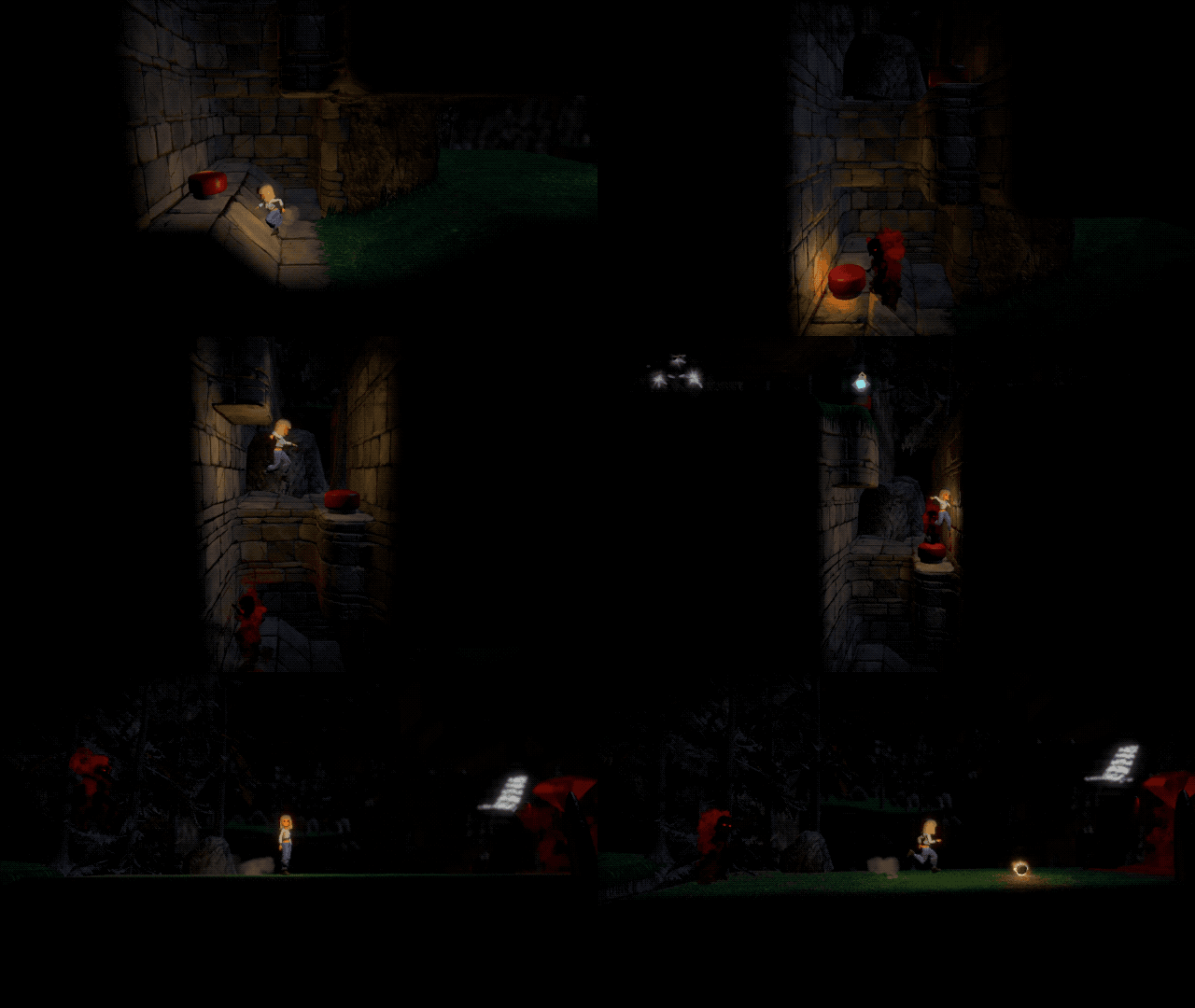
I already wrote about it here in 2022, but I'd like to wrap up my old game The Cluster and release it for free as an unfinished game, partly because the game is fully playable and one can easily have a few hours of fun playing it, and partly because the game demonstrates a lot of interesting things that can be done with my Layer-Based Procedural Generation for Infinite Worlds framework in areas including level design and pathfinding. It's the longest-running project of my life, and it'd be nice to get it out there, even if it's in an incomplete state.
Make better use of my YouTube channel
Until recently, my YouTube channel just had various videos that show off things with little or no comment, and without any channel branding or identity. I'd like to start making videos in a more "classic YouTube format" where I discuss a subject with a proper intro and outro, channel branding, background music, etc.
I've just recently kickstarted that effort with the video about developing a procedural landscape for The Big Forest that I embedded further up this page. I aim to produce a few more such videos in 2024, for example one video for each of the subjects mentioned above.
What would you like to see?
The goals above all relate to things I'd like to share, so I'm very interested in gauging which of those things might be of interest to you all. If there's anything you'd be interested in in particular, let me know!

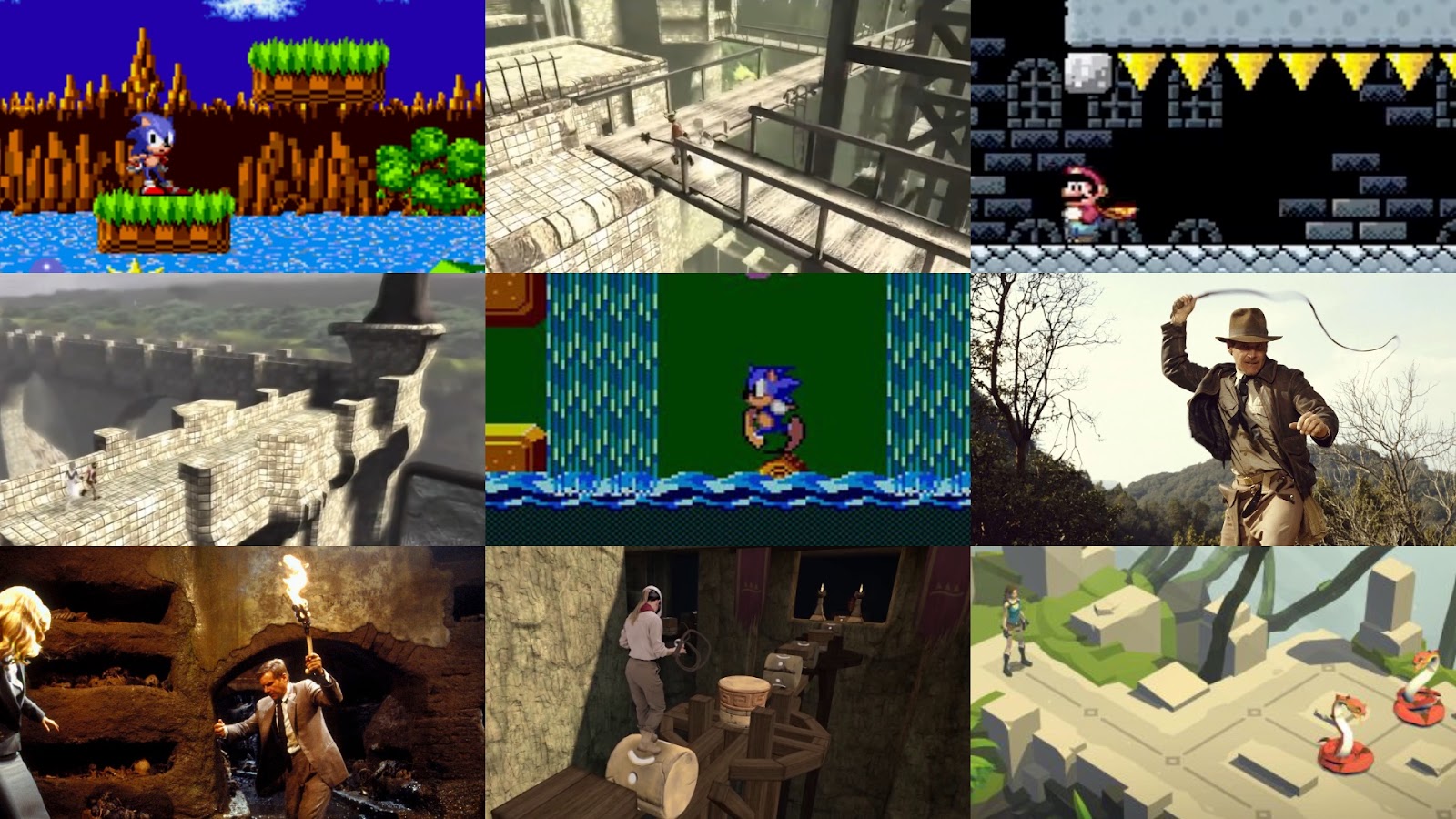
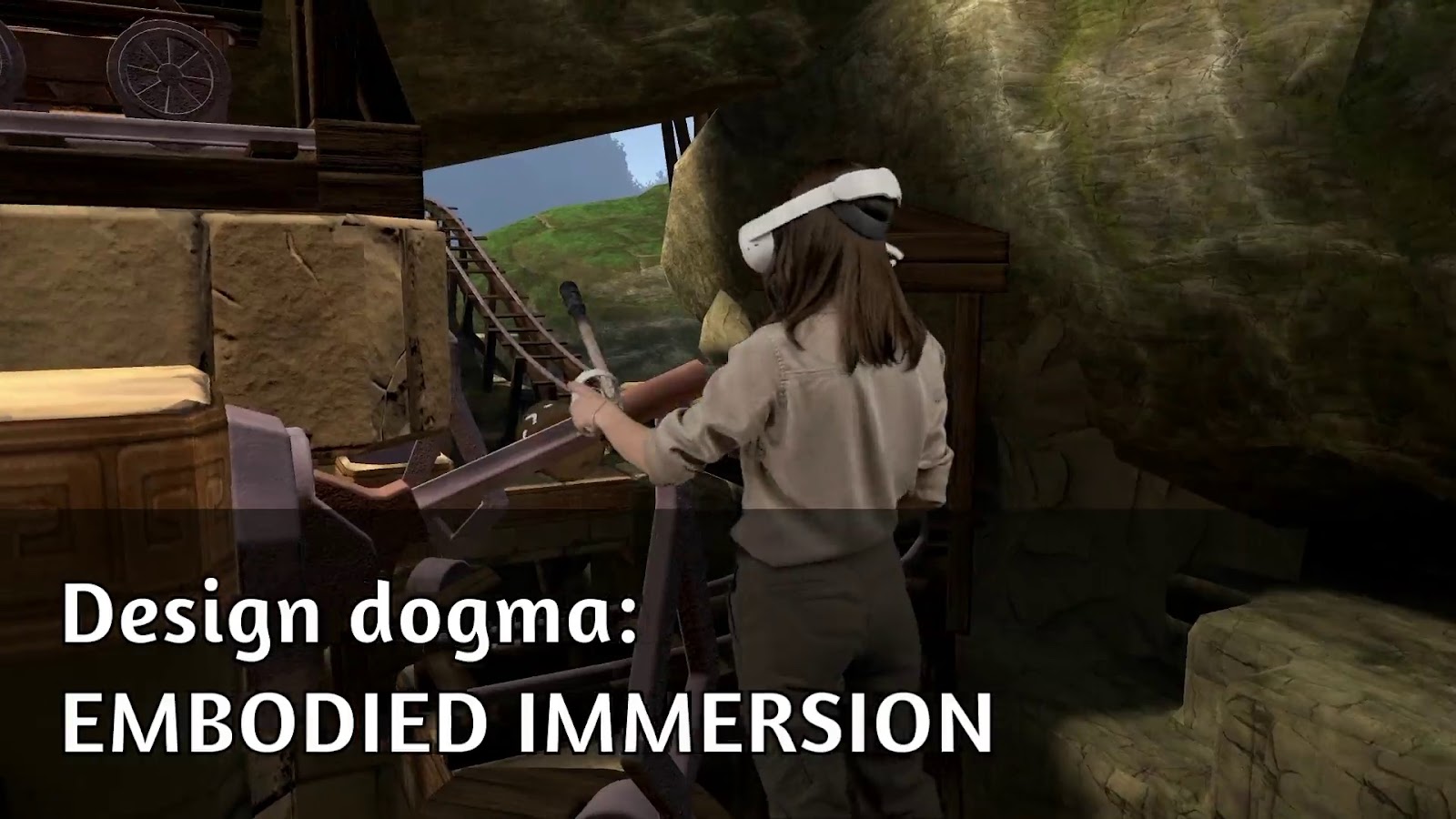




 For a start I'll be wrapping up my VR action-adventure game